

Swifties know that Taylor is the QUEEN of Independence Day. I mean, c’mon, she has had several iconic 4th of July looks throughout the years.
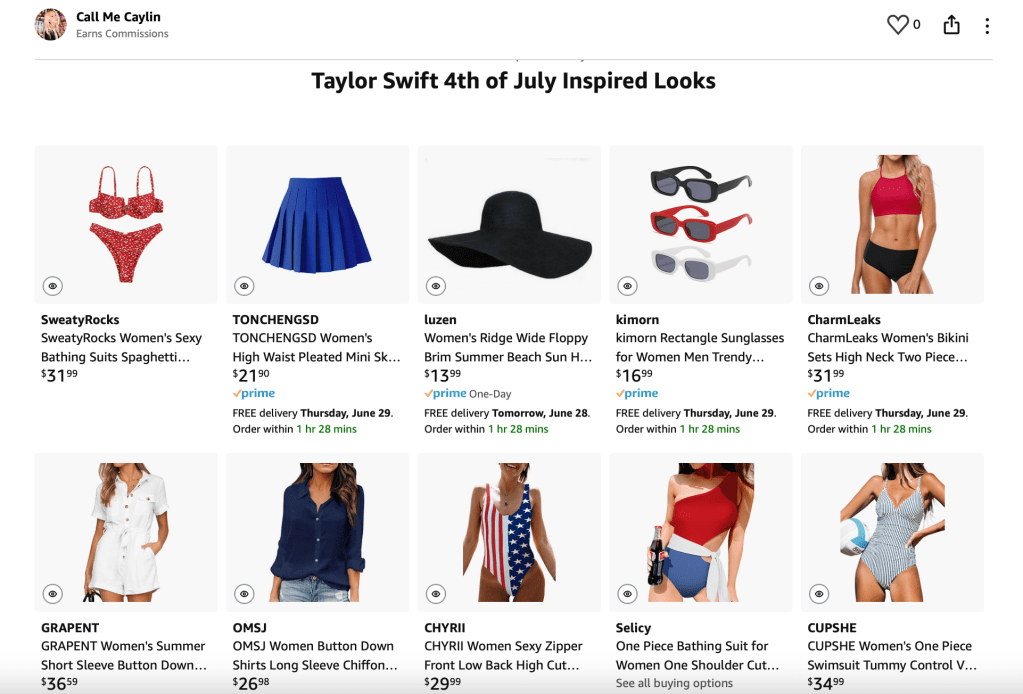
I even created an Amazon List using Taylor Swift’s red, white, and blue outfits as inspiration (As an Amazon Associate, I earn from qualifying purchases).
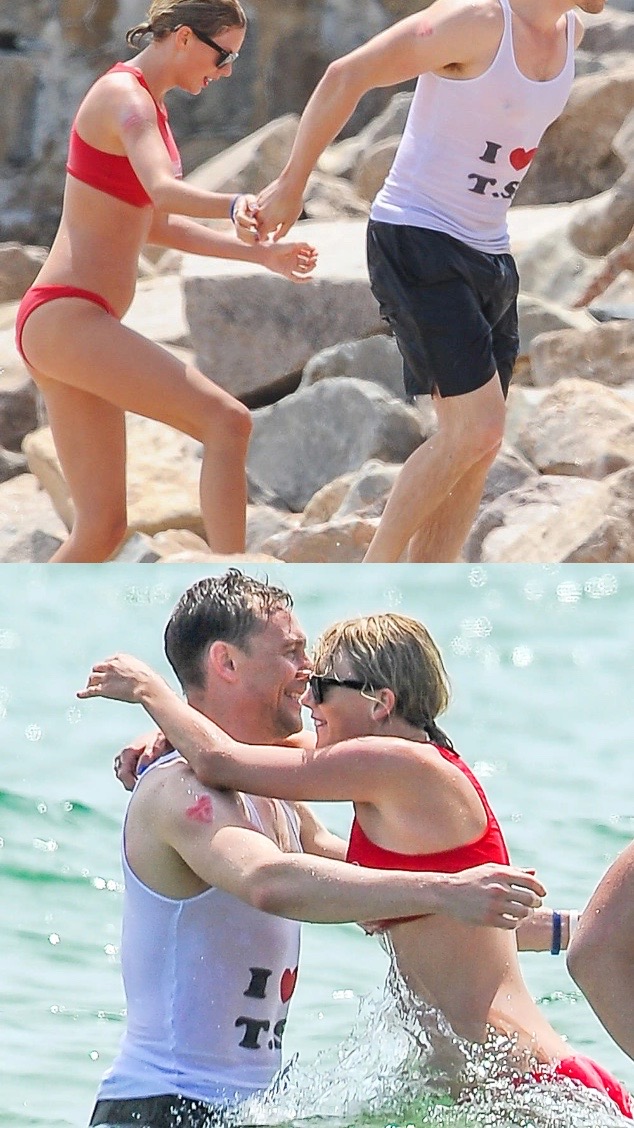
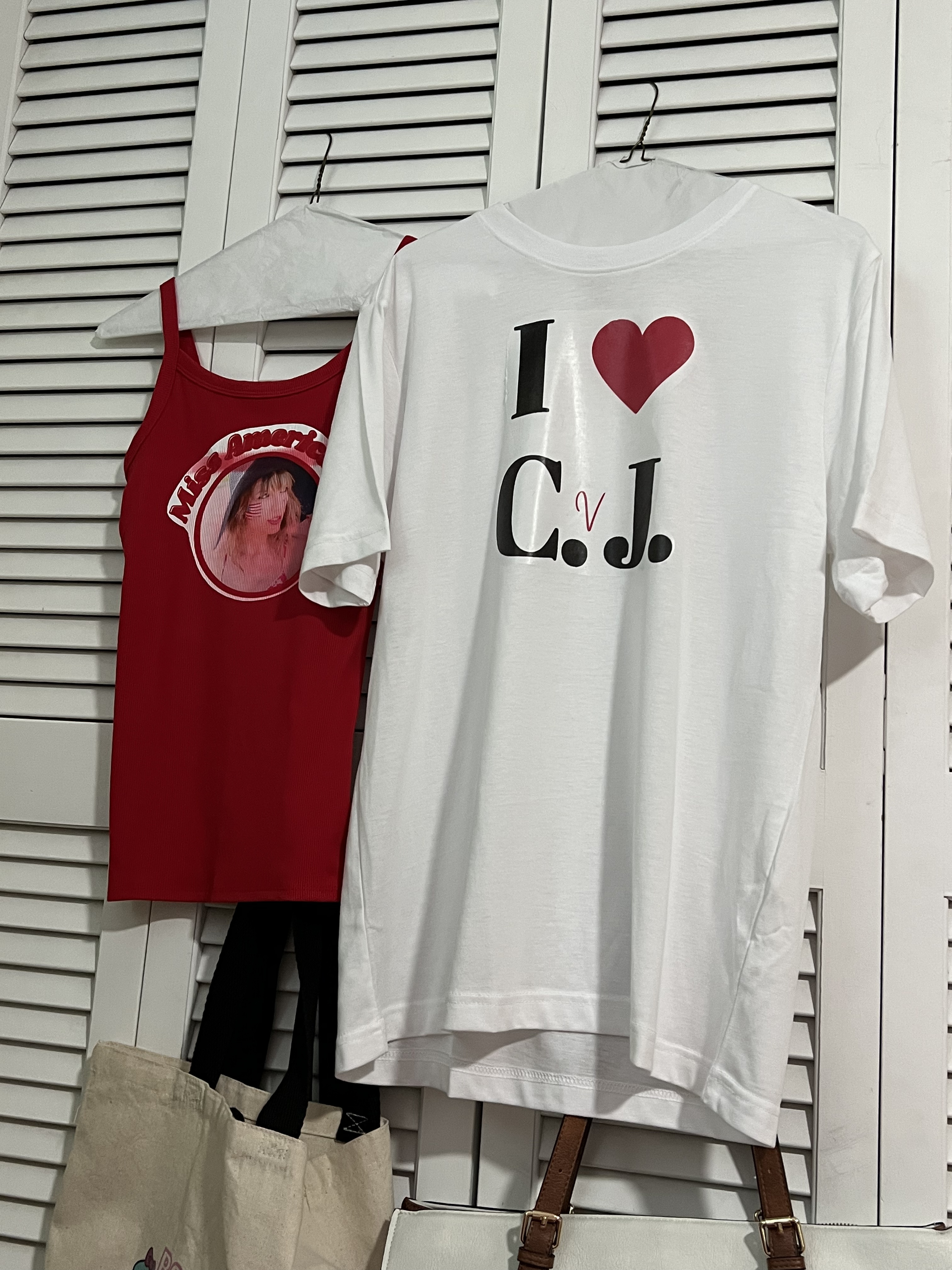
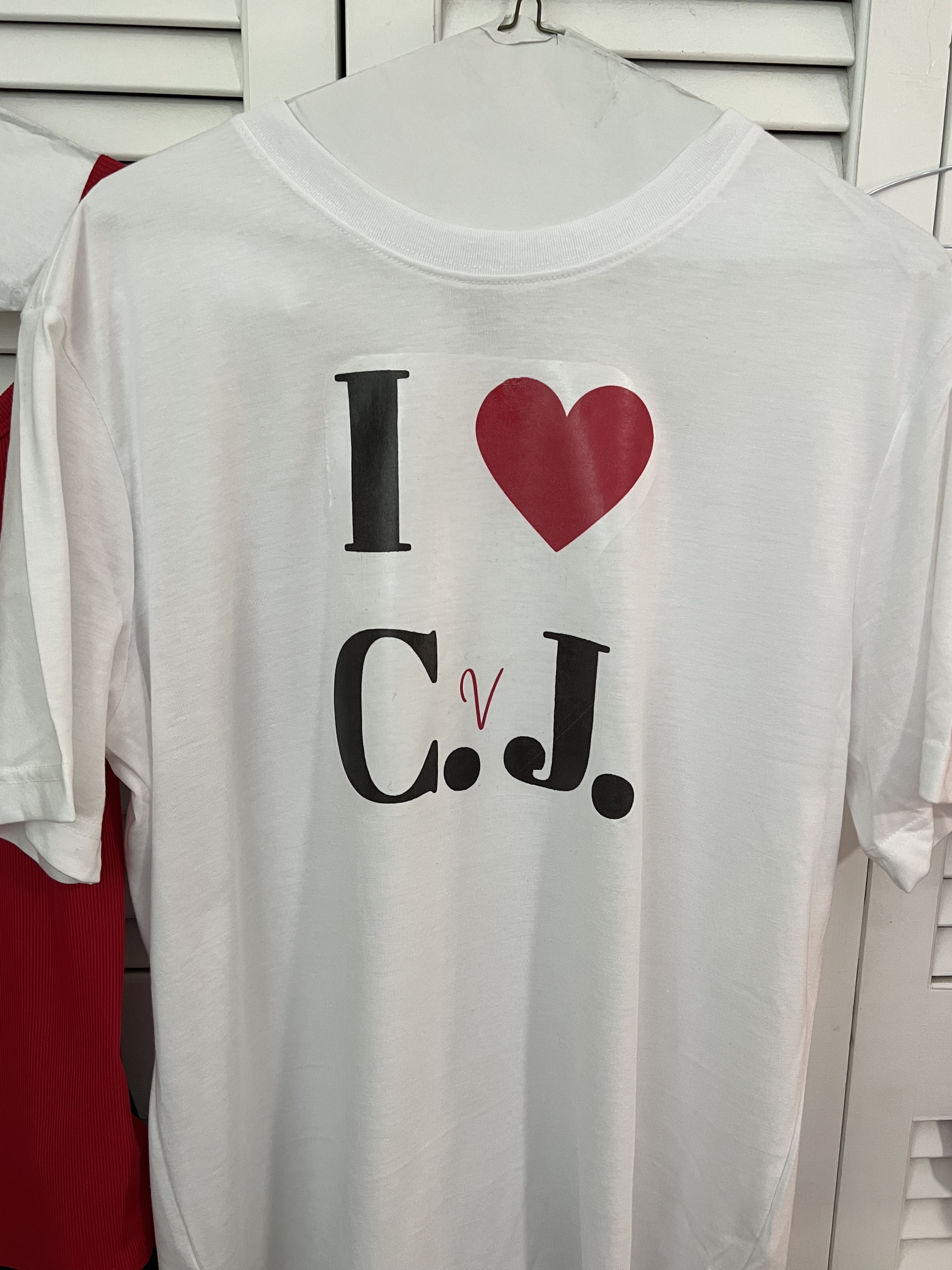
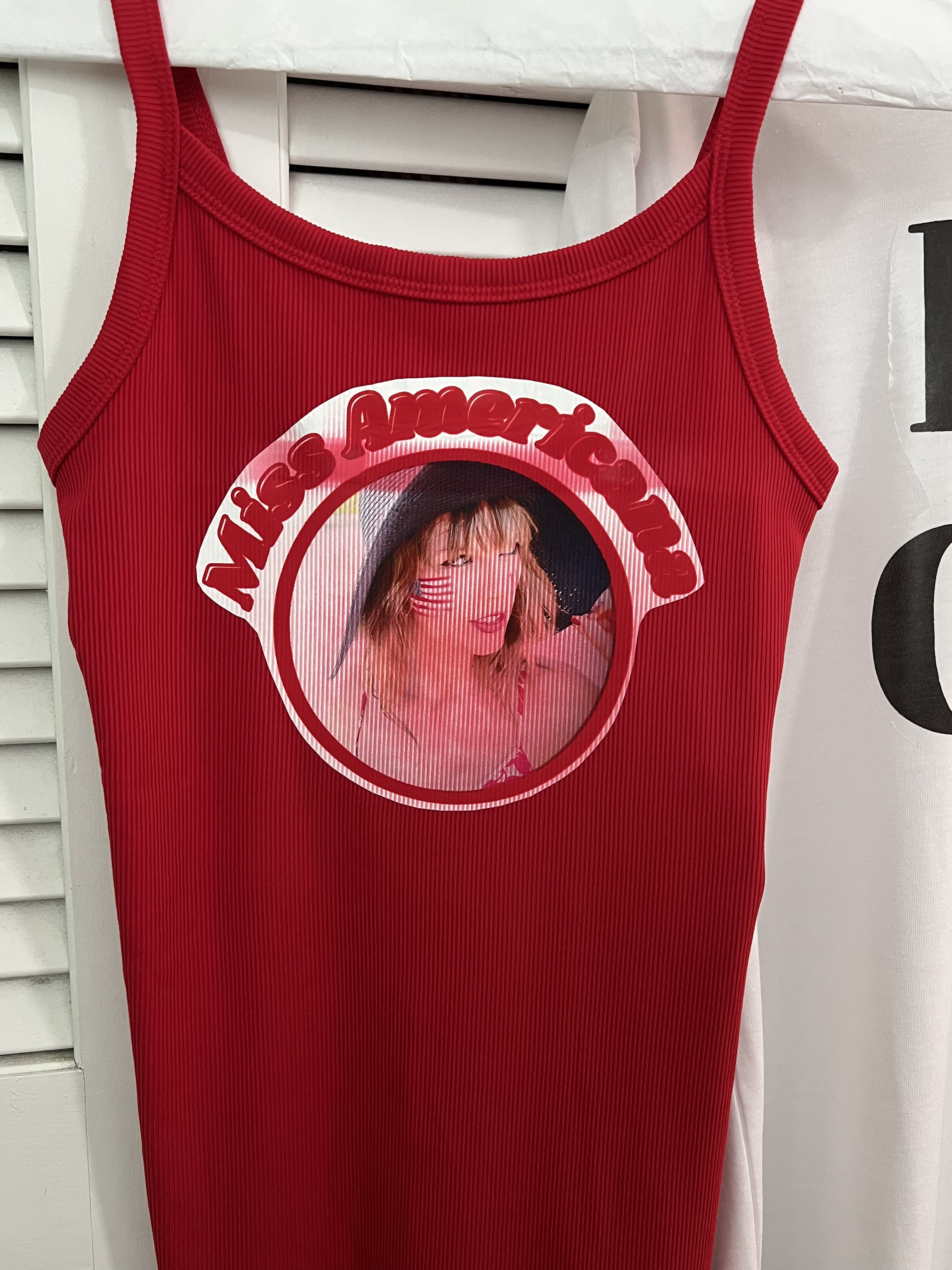
I was inspired to make my own Taylor Swift 4th of July look by somewhat recreating the looks in her famous beach pics with Tom Hiddleston. I created two Miss Americana shirts (one for me and one for my sister) and then a “I ❤️ C.J.” shirt for my bf (I used my initials rather than T.S.).
Materials needed to create this:
- Shirts
- Fabric Transfer Paper (for light & dark fabric)
- Canva or something similar to create the designs
- Iron
- Ironing surface (I used a wooden foldable table)
- Note, don’t use an ironing board.
The steps:
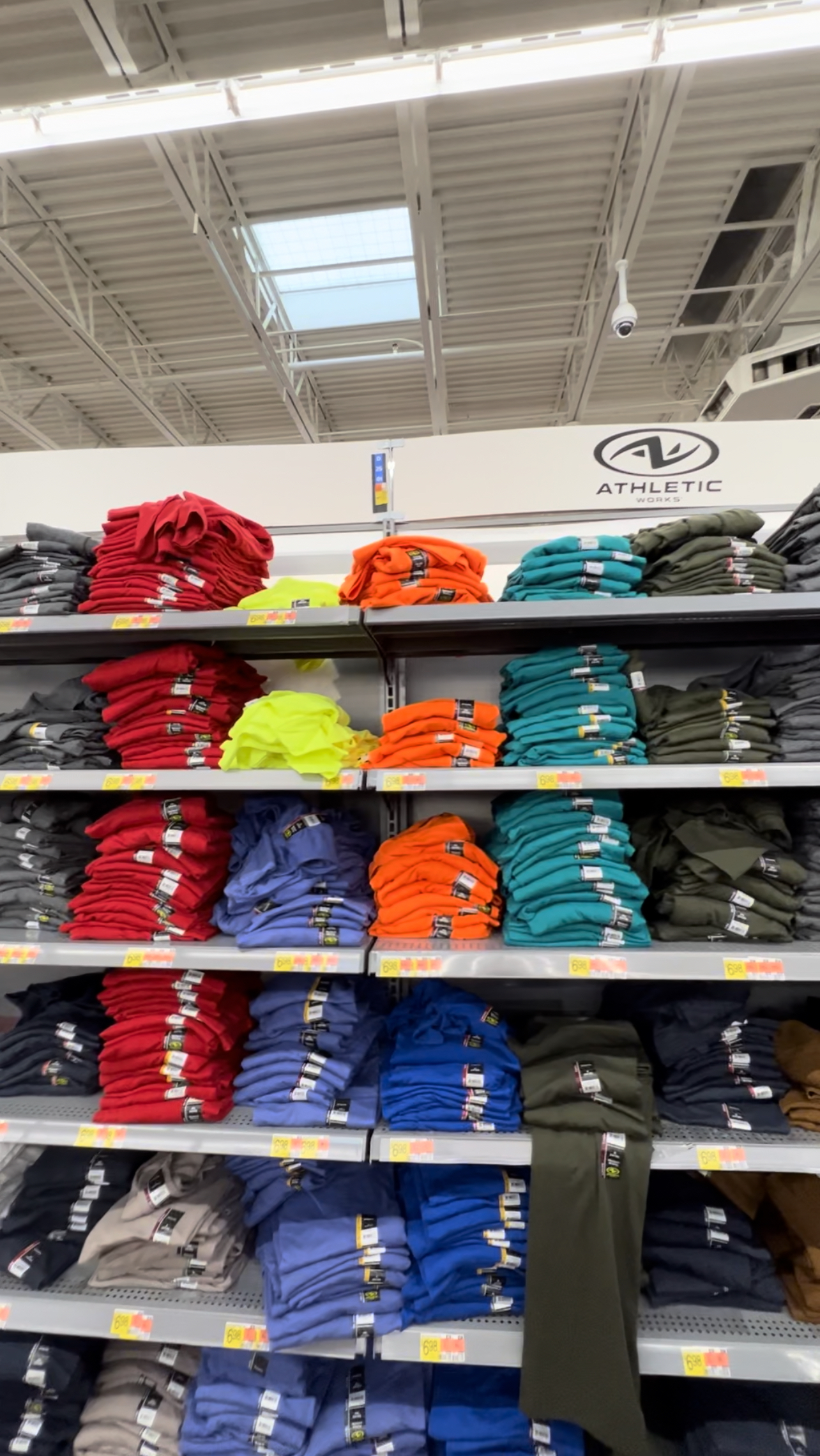
Step 1: Purchase the shirts.
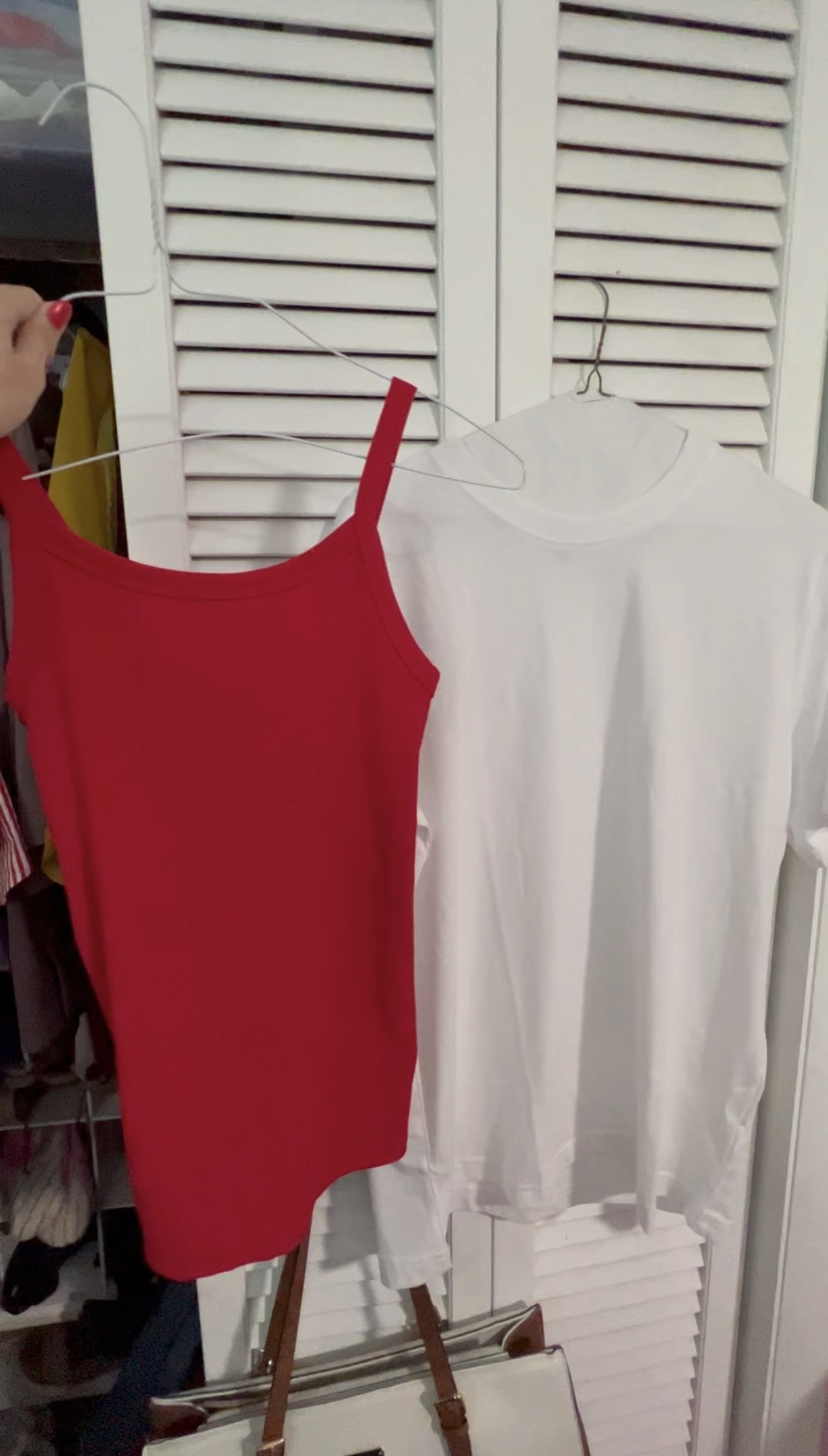
Step 2: Clean the shirts. You will also need to iron/steam them and remove any lint.
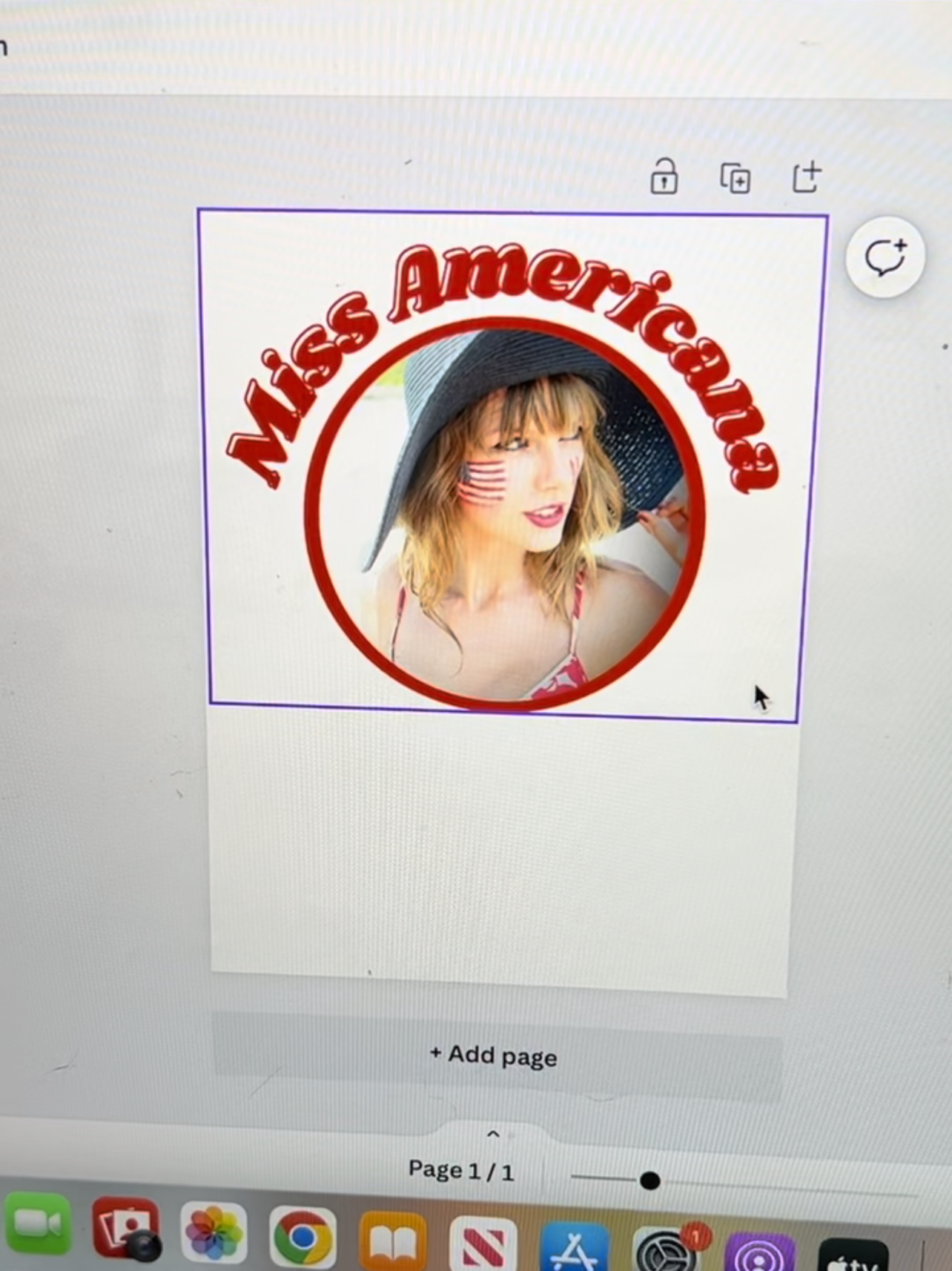
Step 3: Create the designs. I use Canva.
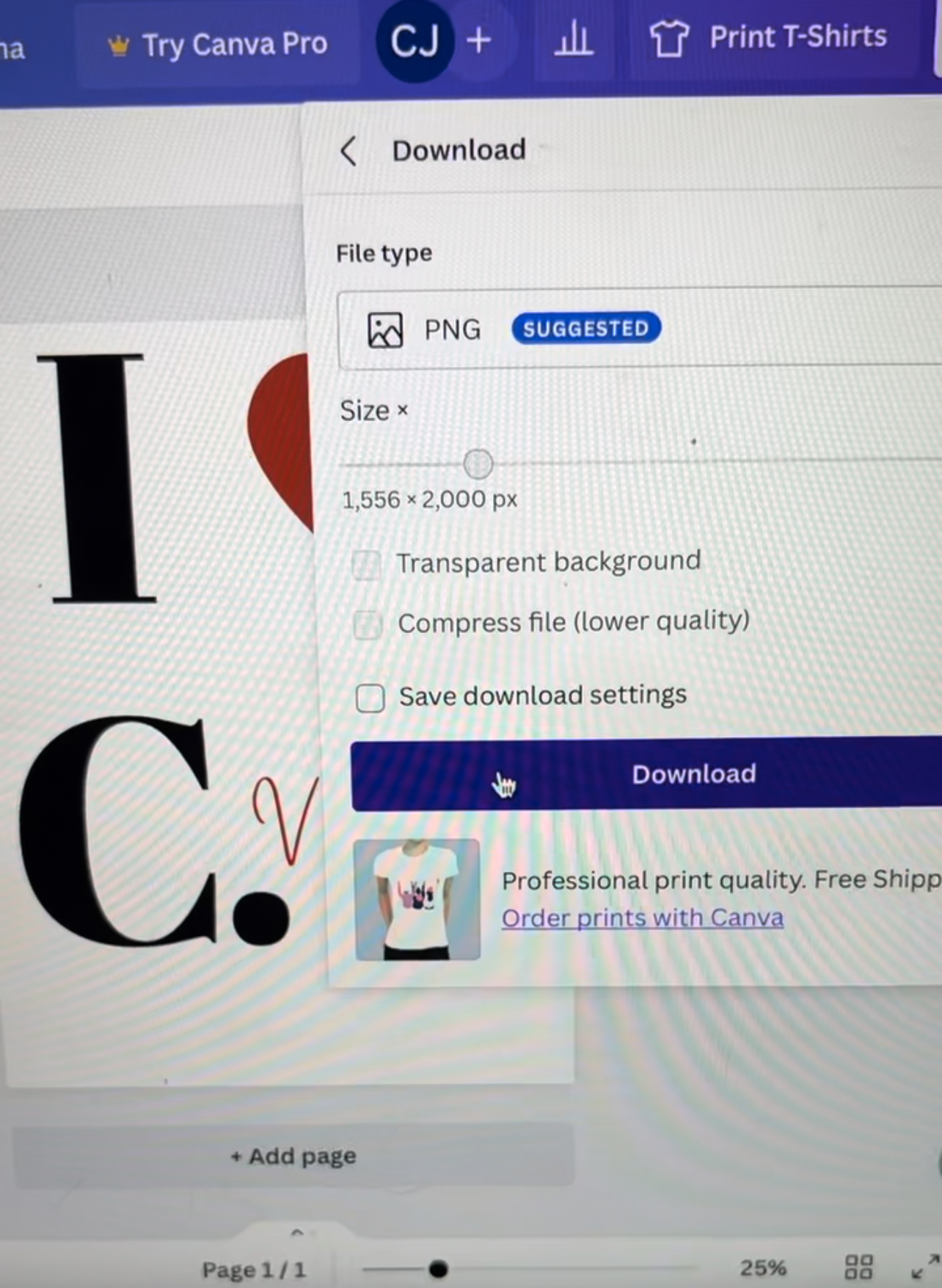
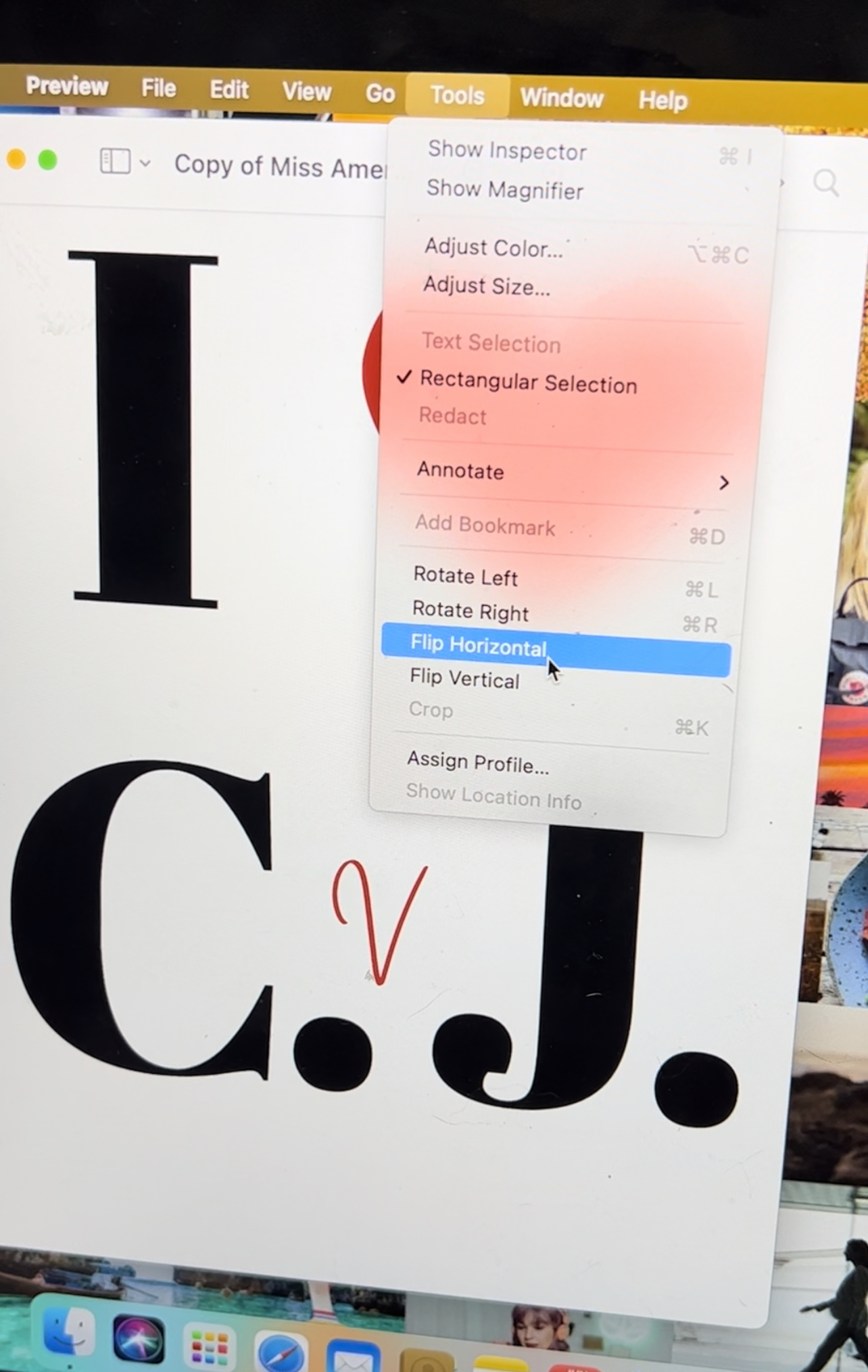
Step 4: If using light fabric transfer paper, make sure to flip the image! You can skip this step if you’re using dark fabric transfer paper.
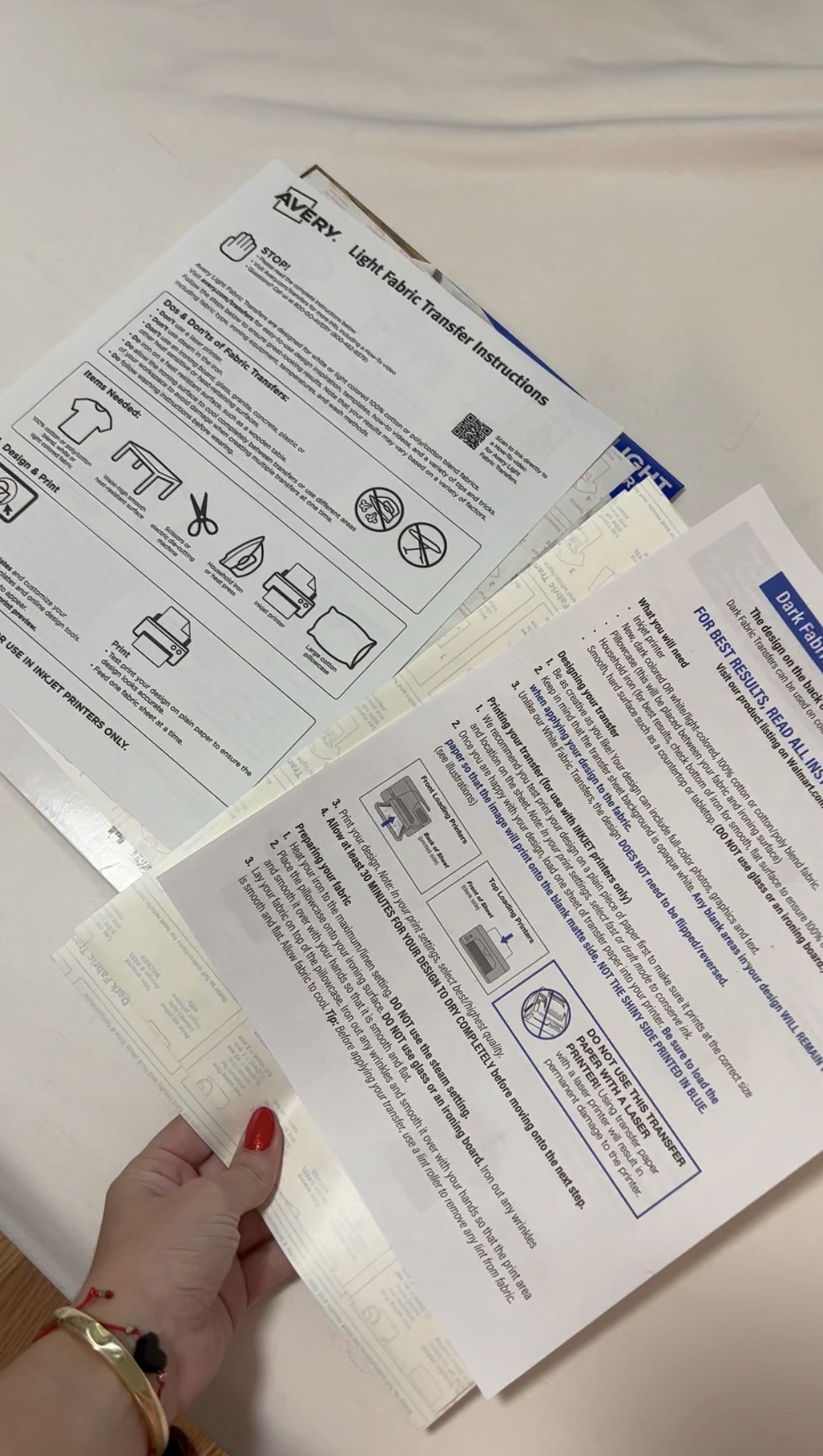
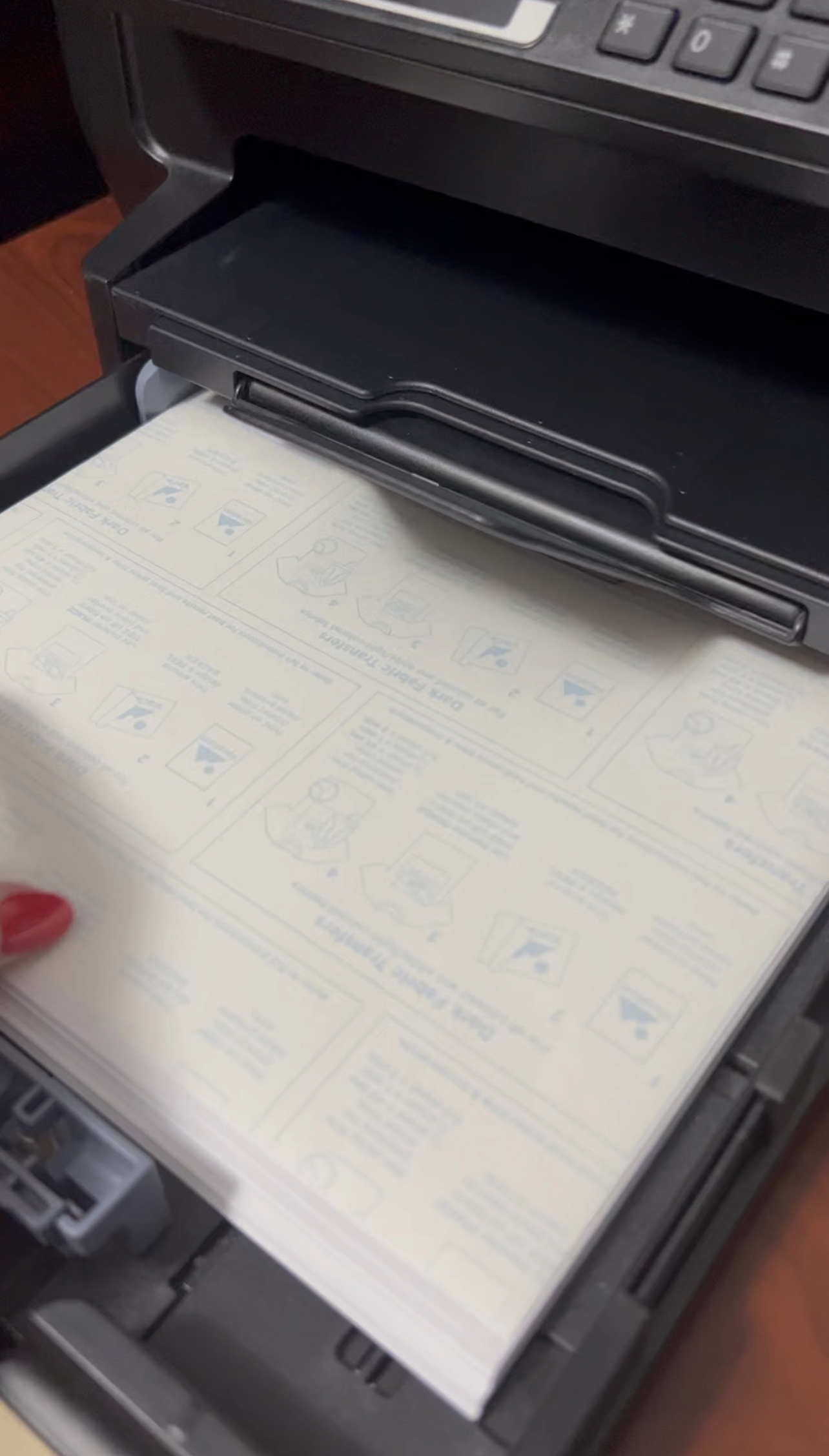
Step 5: Time to print! Make sure to thoroughly follow the instructions that come with your fabric transfer paper.
Note, you should also do a test print to make sure your settings are correct and that the design will print properly.
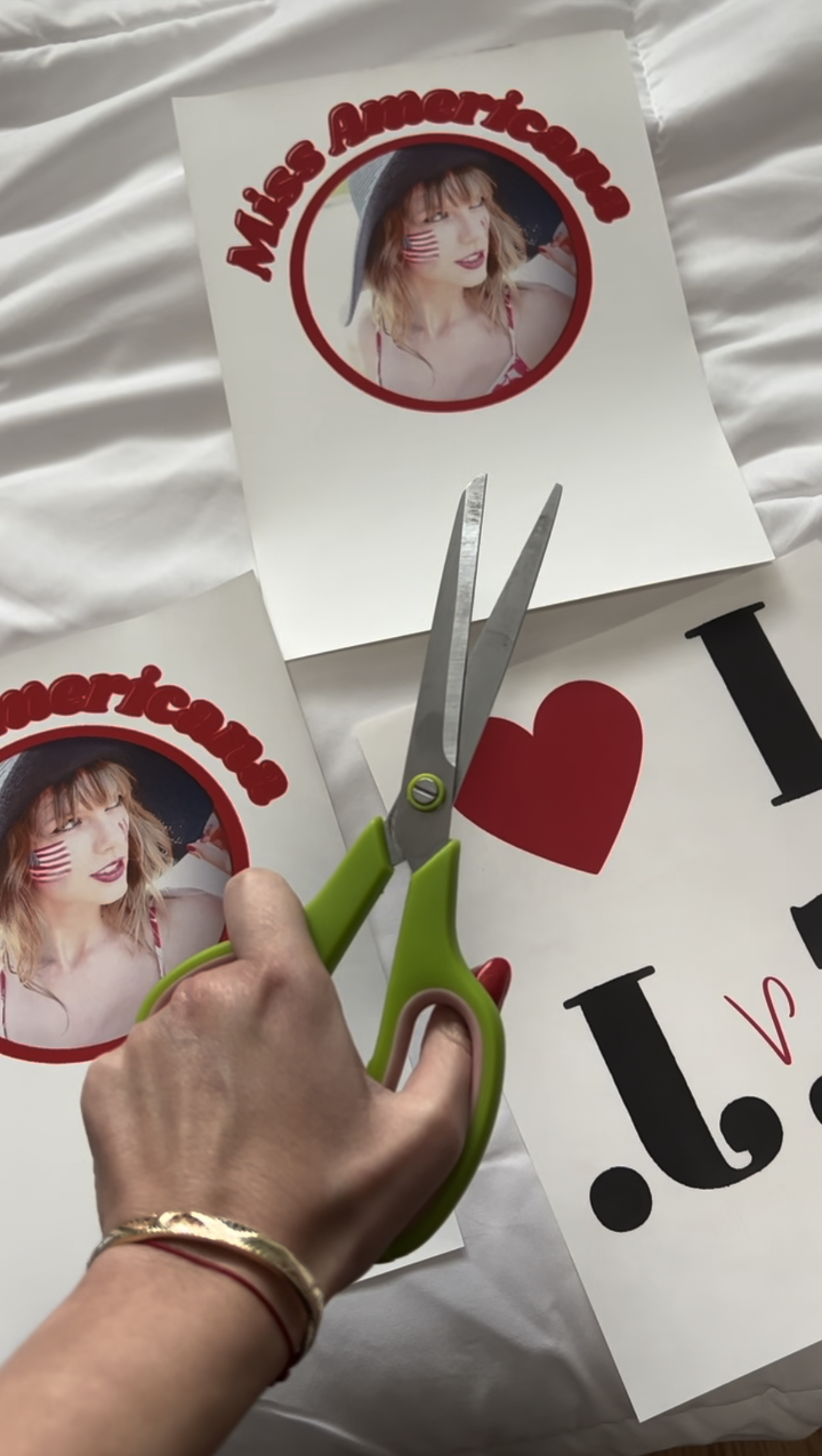
Step 6: After letting your printed designs dry for about 20 minutes, you can go ahead and cut around your design.
Keep in mind, the dark transfer paper has a white background – you’ll need to cut close to your design to eliminate the white from your finished product.
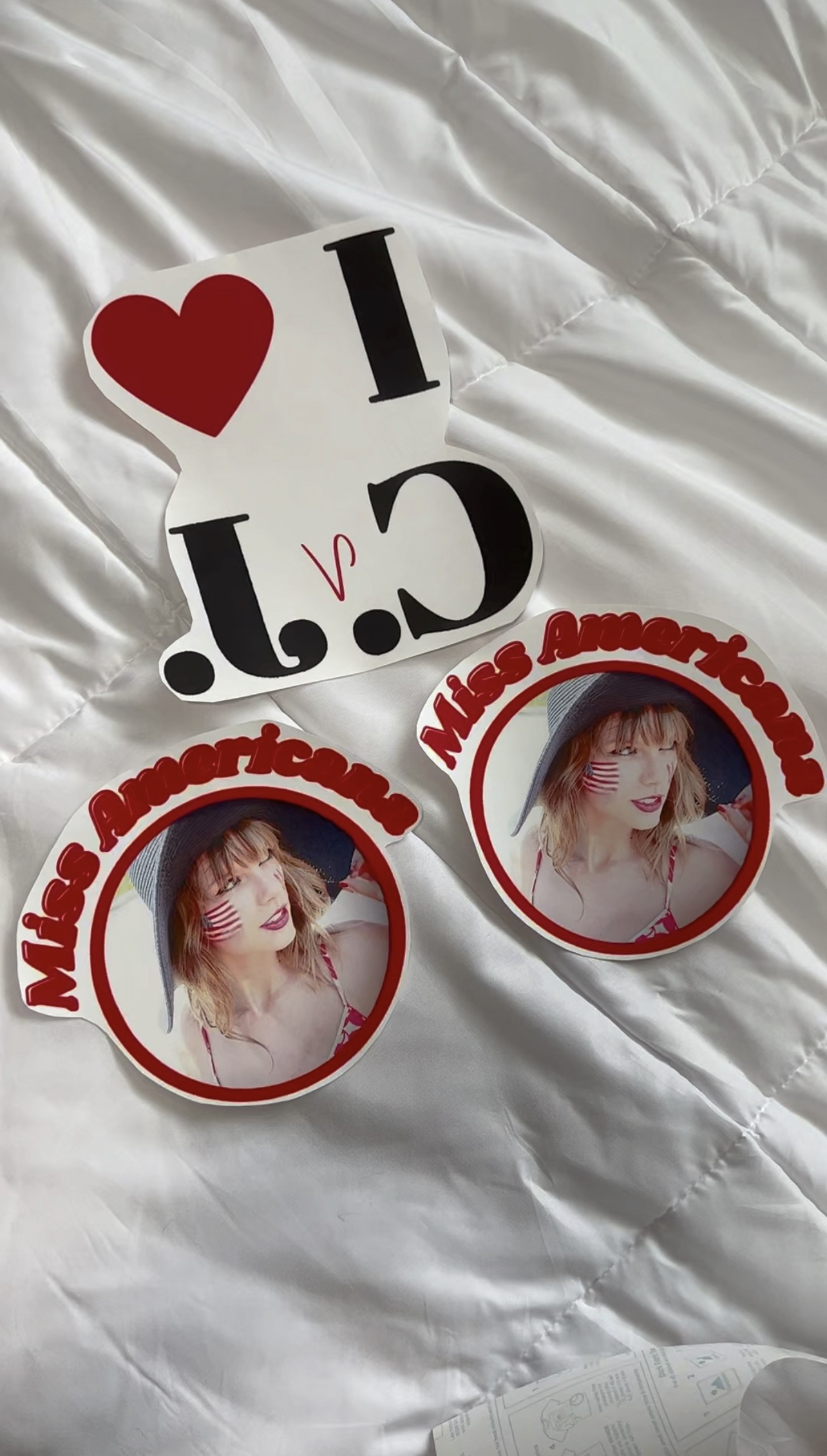
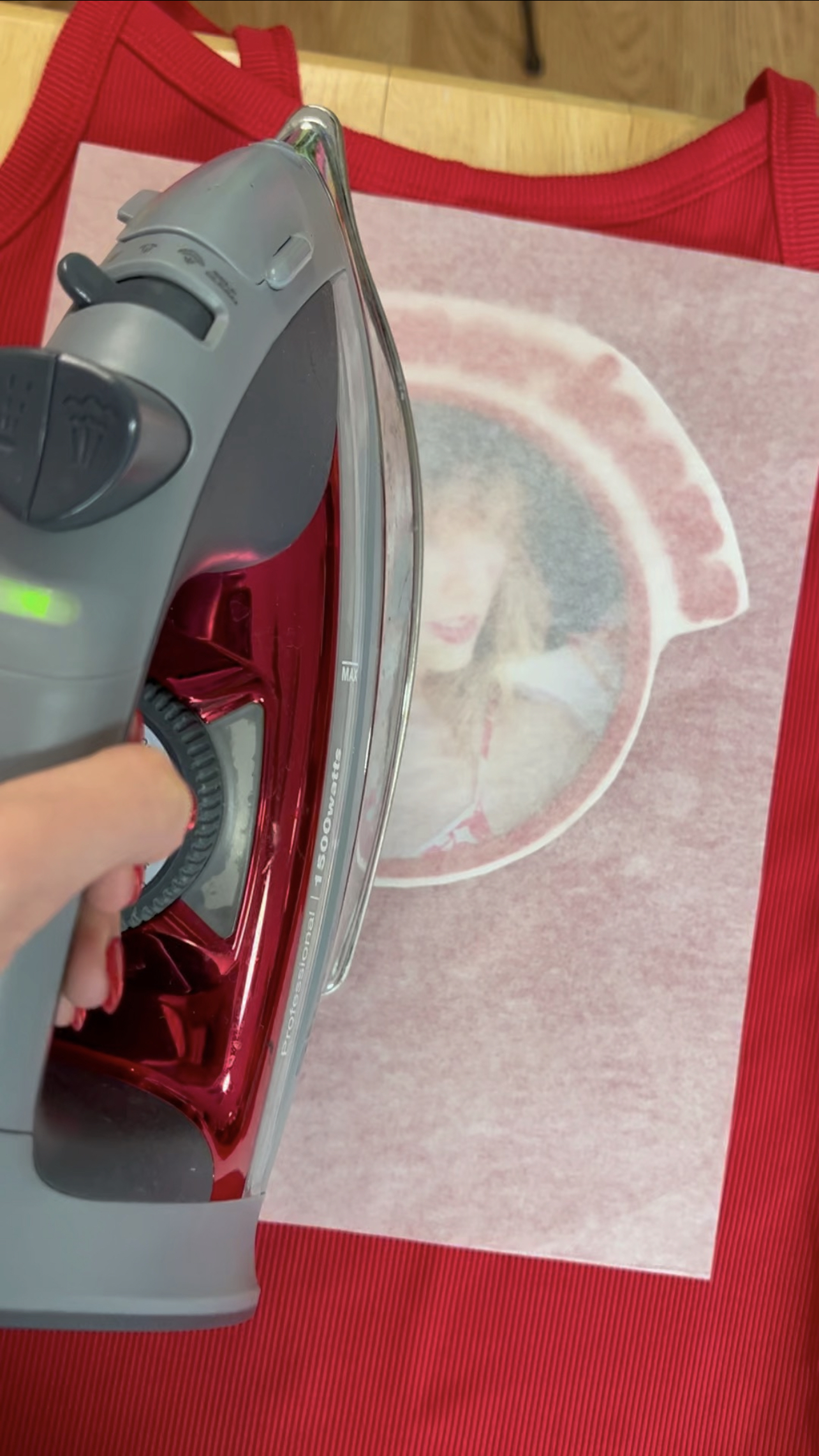
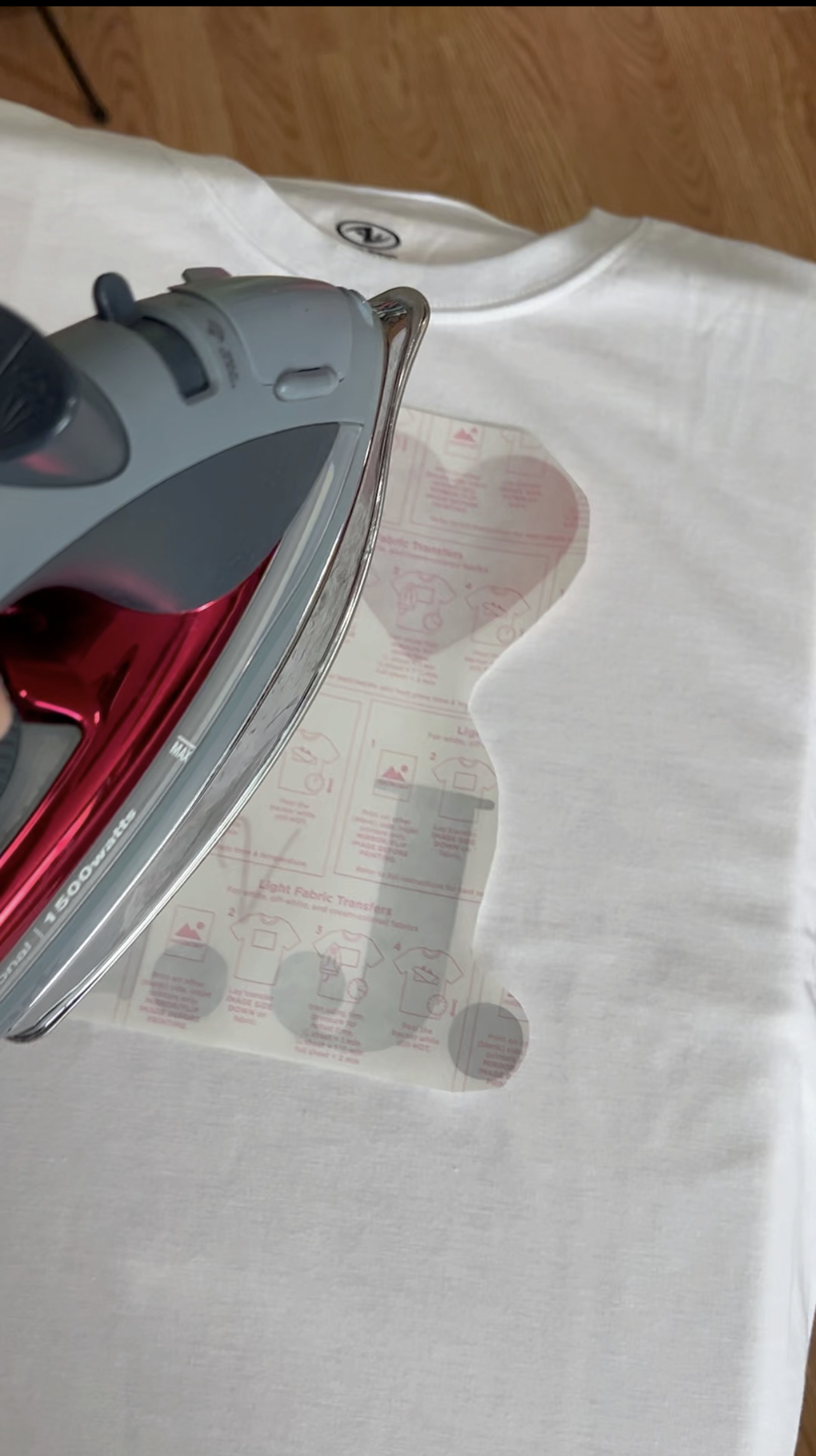
Step 7: Time to iron! For the best results, follow the instructions that come with the fabric transfer paper you purchased. The amount of time it takes to iron will depend on how large the design is.
Note, this step varies depending on light or dark fabric. For light fabric, you iron the back of the design. For dark fabric, you iron the front of the design with a protective sheet in-between (see below).
All done! This is super easy project that you won’t need a Getaway Car for😉.
 Caylin Jimenez